
Appearance
Customers & CRM
The Relationships group keeps everyone you deal with in one place — the customers who buy from you and the vendors you buy from.
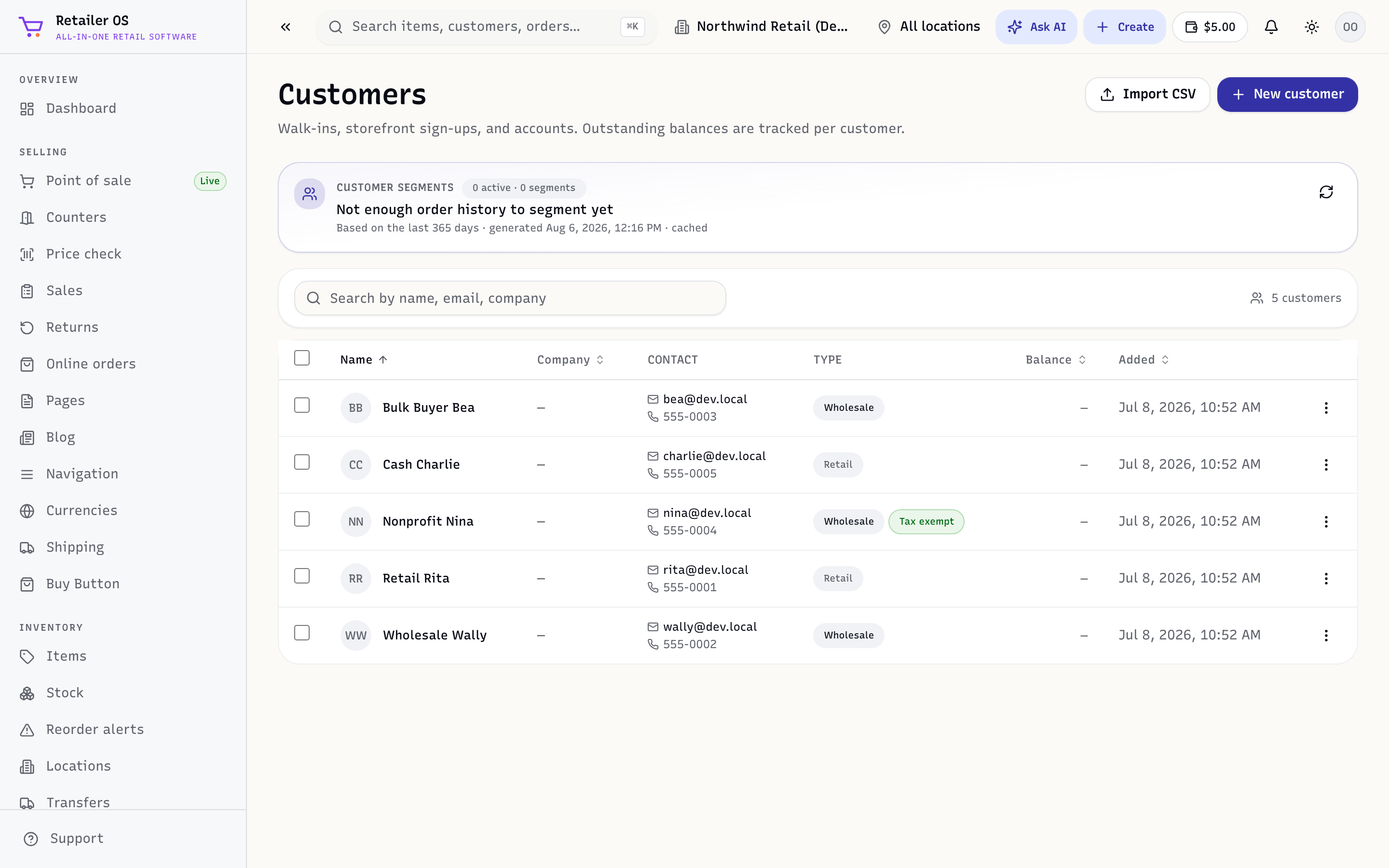
The screens
| Screen | What it's for |
|---|---|
Customers (/crm/customers) | Profiles with full purchase history, loyalty, and store credit. |
Receivables (/crm/receivables) | What customers on terms owe you, with statements and aging. |
Leads (/crm/leads) | A pipeline of sales opportunities, from New to Won (apparel, auto, and jewelry stores). See Leads. |
Campaign Studio (/campaign-studio) | Email and SMS campaigns with offers, plus automations and the sales each campaign brings in. See Campaign Studio. |
Messages (/messages) | One inbox for texts, calls, and emails with customers. See Messages inbox. |
Email (/crm/campaigns) | Send campaigns and automated flows to your customers. |
Subscriptions (/crm/subscriptions) | Recurring plans and their billing. |
Reviews & Q&A (/crm/reviews) | Ratings and questions from your online store. |
Contracts (/crm/contracts) | Customer agreements (apparel, auto). |
Vendors (/vendors) | The suppliers behind your purchase orders and bills. |
Why it's connected
Because customers live in the same system as sales:
- Adding a customer to a POS sale updates their history, loyalty, and store credit instantly.
- Customers with terms can pay on account; balances show in Receivables.
- Your best customers surface in Reports (top customers), and email campaigns can target them.
TIP
Store credit and receivables are two sides of a customer's balance — a credit they can spend, or an amount they owe. Both are visible on the customer's profile.