
Appearance
Stock & locations
▶ Watch — a quick walkthrough of stock & locations
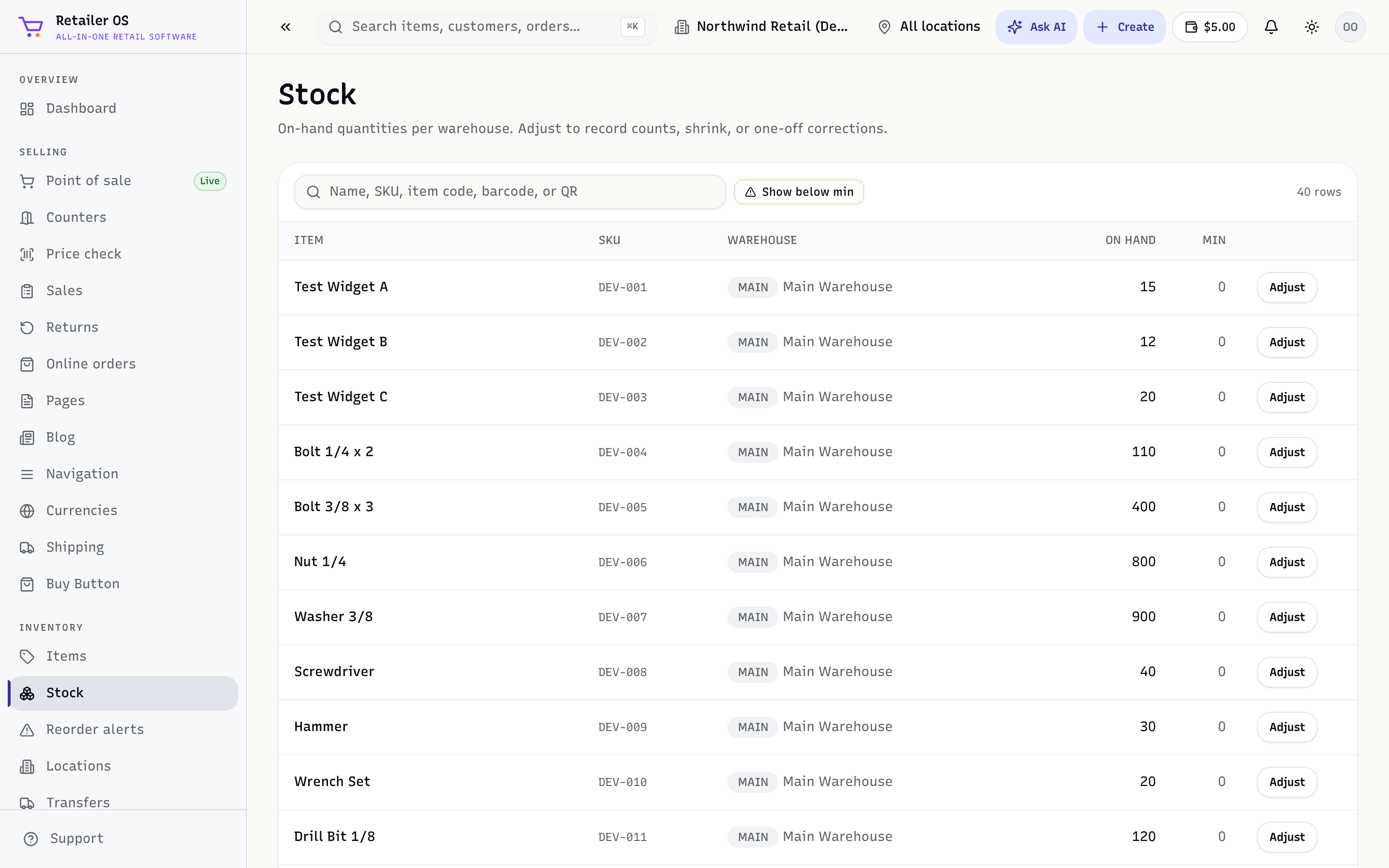
The Stock screen (/inventory/stock) shows the live balance of every item at every location. Because it's one shared count, your counter, online store, and marketplaces all sell against the same numbers.
Locations
A location is any place you hold stock — a shop, a warehouse, a stockroom, or a van. Add and manage them under Locations (/inventory/locations). Stock is tracked per location, and the location switcher in the top bar decides which one you're looking at.
Available vs quantity
Two numbers matter:
- Available — what you can actually sell right now at a location. This is what POS and your storefront sell against.
- Quantity — the total you've received into a location.
TIP
Base restocking and selling decisions on available, not total quantity — available already accounts for what's committed or sold.
How stock changes
Every event updates the live balance at a location:
| Event | Effect |
|---|---|
| Sale (POS / online / marketplace) | Stock down |
| Receiving a purchase order | Stock up |
| Transfer | Moves between locations |
| Stock count | Corrects to the physical shelf |
| Return | Restocked items back up |