
Appearance
Counters & registers
▶ Watch — a quick walkthrough of counters & registers
A counter (register) is a till at a location. The Counters screen is where you open a register to start selling and close it to reconcile cash at the end of a shift.
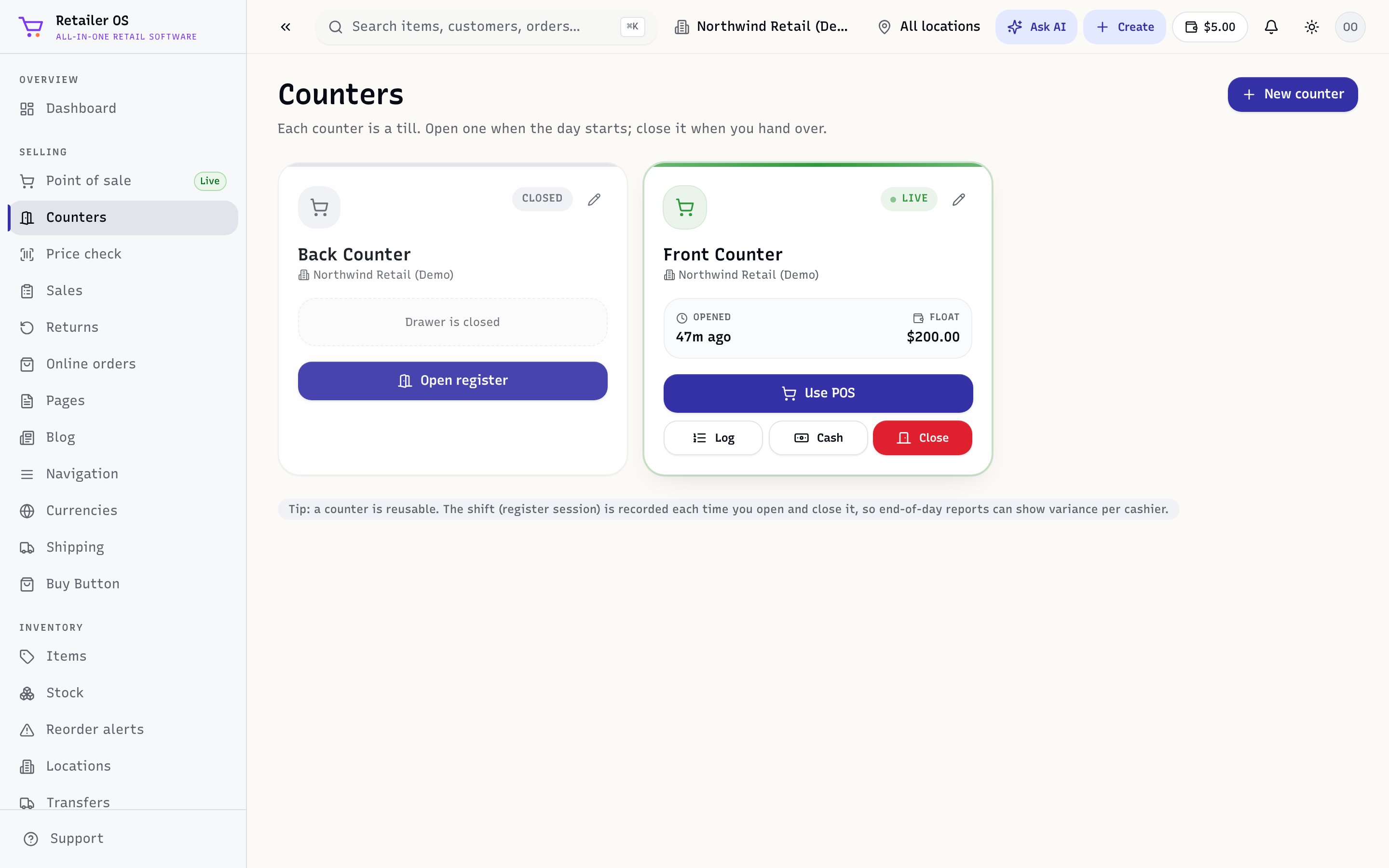
Open a register
- Open Counters.
- Pick your register and choose Open.
- Enter the opening float — the cash in the drawer to start the day.
Once open, the register is ready for sales in Point of sale.
During the shift
The counter tracks every sale, refund, and cash movement against that register, so the expected drawer total is always known. If a cash drawer is connected, it opens when a cashier takes cash.
Close and reconcile
- Choose Close on the register.
- Count the drawer and enter the actual cash.
- Retailer OS shows the expected amount and any over/short difference.
- Confirm to close. The shift is recorded for the cashier performance and counter reports.
NOTE
Over/short is logged per cashier so you can spot patterns. Reconciliation records are visible in Reports and the audit log. Large shortages at close are also flagged in Loss prevention.
Permissions
Opening and closing registers and viewing over/short is typically limited to managers and above. See Team & roles.