
Appearance
Reorder alerts
▶ Watch — a quick walkthrough of reorder alerts
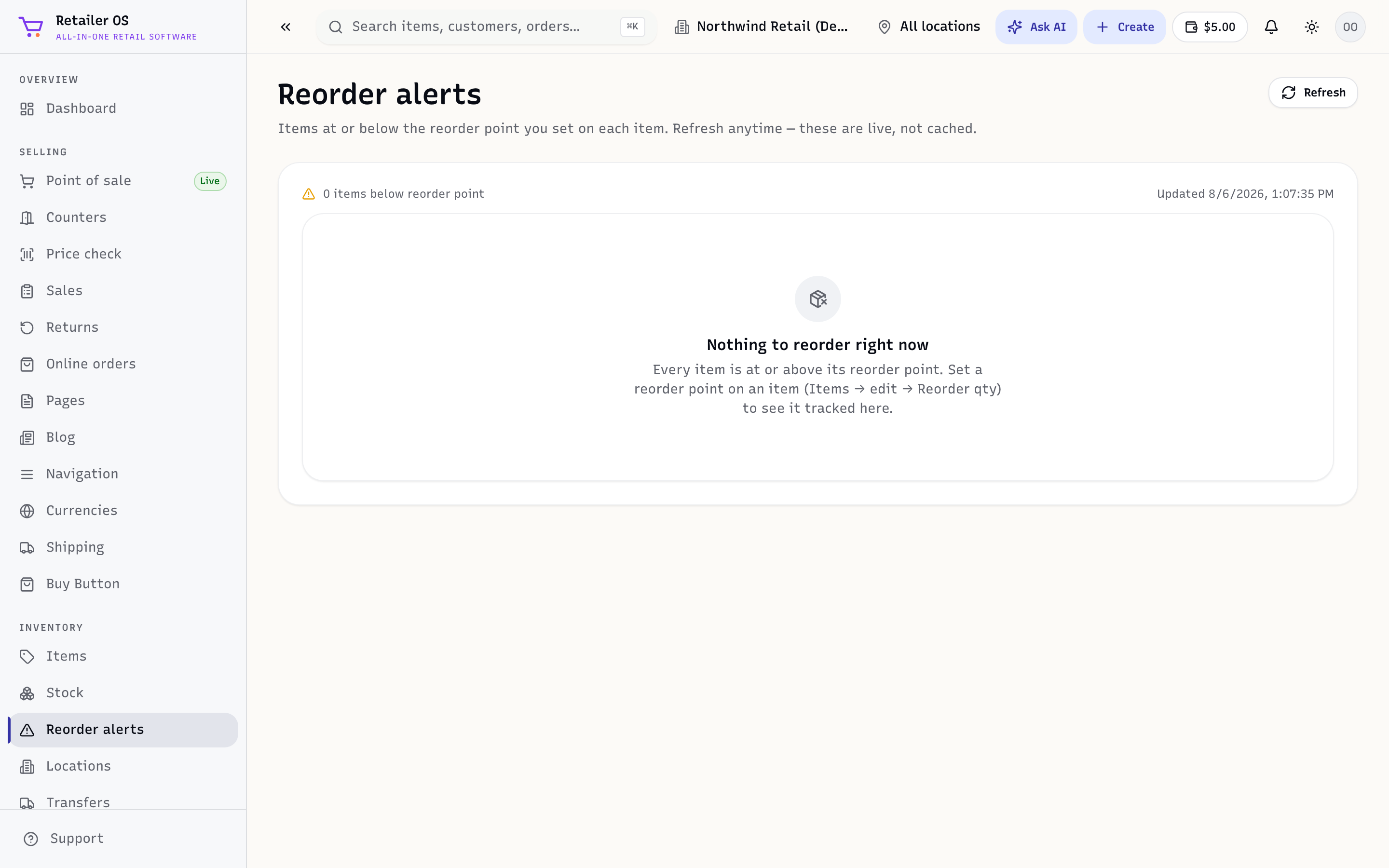
Reorder alerts (/inventory/reorder-alerts) lists everything at or below its reorder point, so you restock before you sell out.
Set a reorder point
On an item (see Items & variants), set a reorder point — the available level at which it should be reordered — and optionally a reorder quantity (how many to buy back up to).
When available stock at a location falls to or below the reorder point, the item appears on Reorder alerts.
Turn alerts into a purchase order
From the alerts list you can select items and create a purchase order in one step, grouped by vendor — so restocking is a couple of clicks instead of a manual audit.
TIP
Set reorder points on your fast movers first. Those are the items whose stockouts cost you the most sales.